
Simple Website Revamping
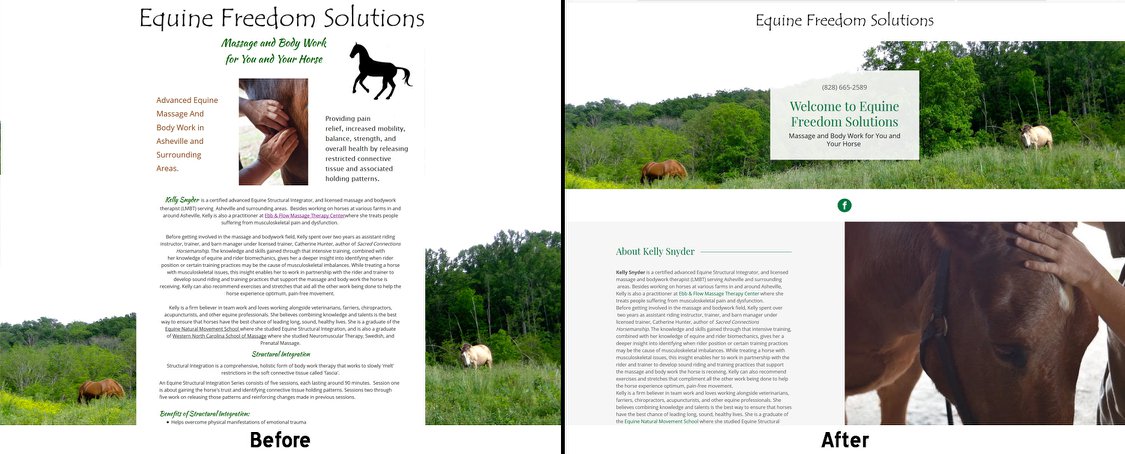
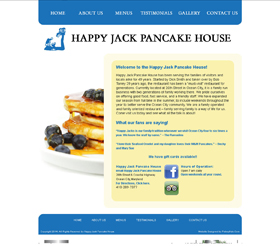
Before
It doesn’t take a lot to revamp a website. Any of the following can make a HUGE difference and are easy updates:
- Can you update or add photos?
- Can you finish “under construction” pages?
- Can remove excess pages?
- Do you have services or products you no longer offer?
- Are your discounts out of date?
- Are you using different brands than what is posted on the website?
- Do you have new staff (or staff changes)?
- Do you have a new location or office hours?
Something as simple as removing social media links you no longer use (please delete those accounts!!) It doesn’t take a lot.
Updating the website keeps your content fresh, keeps search engines happy, and keeps clients coming back. It can be time-consuming, but taking that time to make sure it happens can go a long way. You do not need to make changes every week. Making changes quarterly, or at the very least, twice year is extremely important.
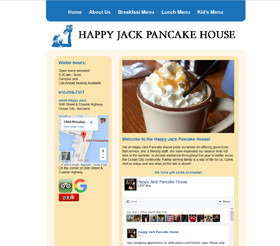
After
I just worked with Happy Jack Pancake House to revamp their site. It was fun and easy. We emailed and talked on the phone to figure out what they wanted and made sure they got the results they needed. Most of their clients use tablets and smartphones. Their old site was not mobile friendly, but we took steps to make the site mobile friendly in the future. We simplified the pages, updated the design, and moved their most important content (hours, address, and directions) into a more prominent location. They mentioned they do a lot of updating on Facebook so we added their Facebook feed so the content stays fresh (food pun!).
Working with my client’s budget, we have worked out a plant to make the website completely mobile friendly on the next round of updates and to simplify some more.
Another client asked to go with a more popular trend and have all her content all on the same page. The long stroll style is a little more work, but a great way to simplify and update a website.
For more ideas on updating your website, click here.
For questions or comments about updating your website, call me at 804.402.0084 or email me at [email protected].















One Response
[…] what your website is designed for will help you determine what your metrics mean. Also, keep in mind that most people have the […]