
Category: Google Analytics

Hug a tree and market digitally.

Challenges of DIY Website

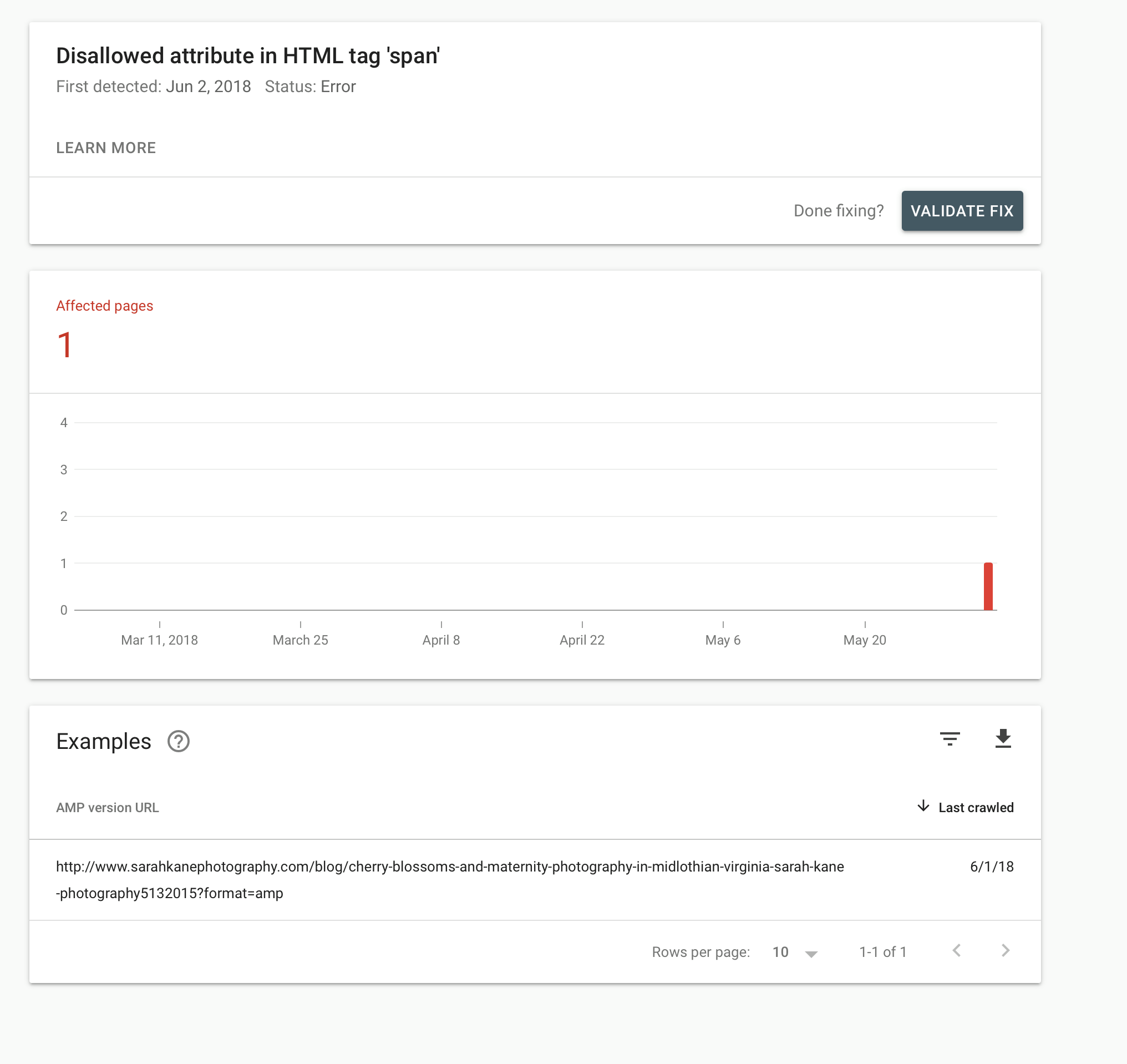
I need to first thank my friend, Sarah Kane, owner, photographer, and boss babe of Sarah Kane Photography. She gave me permission to write about a hiccup she had with her website. She is the photographer, editor, accountant, webmaster, and janitor for her business. Sound familiar? She openly admits that the website “stuff” isn’t her…
Read more


June 6, 2018 0

Google Analytics Updated

If you are debating if your website needs to be smartphone friendly or want to know what’s working and what isn’t, having Google Analytics could help you determine that. Analytics will let you know, what keywords are being used to find you, where the people are (think circles around cities, not exact addresses), what device…
Read more


March 9, 2017 0

Mobile Friendly Websites

Has your website not been updated in years? By updating, I don’t mean the text. I mean the code. This goes beyond updating your years in service or photos. Are you able to see if your site is viewed on a tablet, computer, or smartphone? If Google Analytics is in the coding on your website,…
Read more


February 23, 2017 0

Google Analytics - Updated

I haven’t written on this subject yet, because I wanted to be able to explain things and know what I was talking about before confusing you more or fumbling around. If you haven’t noticed already, Google Analytics did change their layout and how to find everything you are looking for. Maybe it’s just me, but…
Read more


September 3, 2012 0

WordPress Plugins

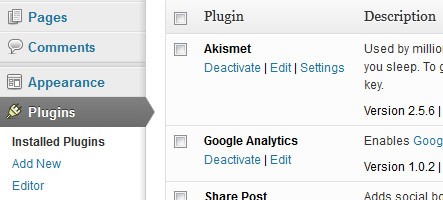
WordPress is a great blog and website platform that is user-friendly. It uses plugins to add more bells and whistles to your website. To add plugins: Go into your WordPress dashboard On the left-hand side, hover over “Plugins” Click “add new” when the drop-down appears Search for the kind of plugin you want and install…
Read more


August 8, 2012 1

How to set up Google Analytics

To set up the account, it requires a Google account. Google accounts include Gmail, YouTube, Picasa and more. If you don’t have an account already you click on the “sign in” button on the top right of www.google.com and click on “create an account now” below the sign in section and follow the instructions. Now…
Read more


August 8, 2012 1