
Challenges of DIY Website
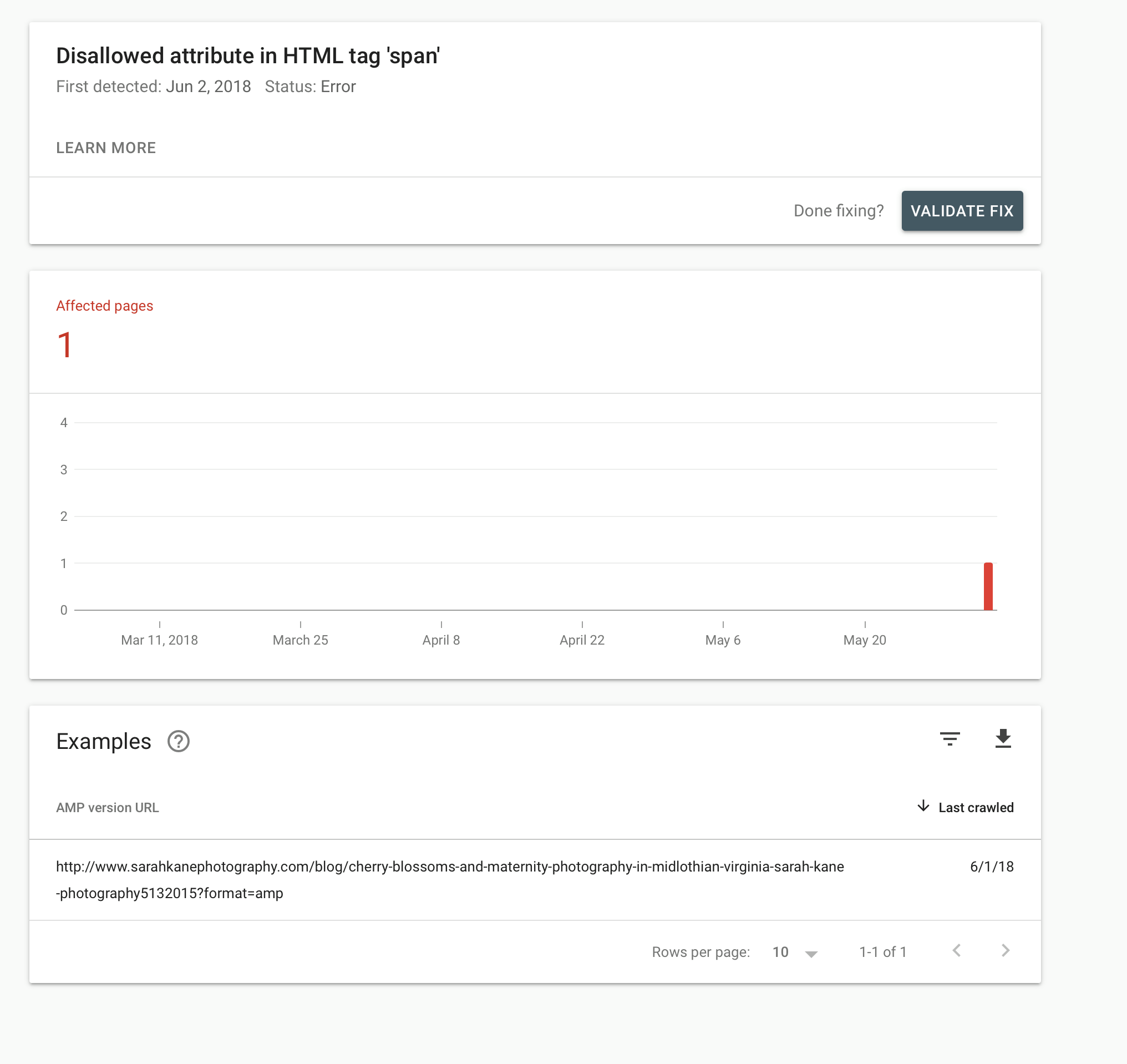
I need to first thank my friend, Sarah Kane, owner, photographer, and boss babe of Sarah Kane Photography. She gave me permission to write about a hiccup she had with her website. She is the photographer, editor, accountant, webmaster, and janitor for her business. Sound familiar? She openly admits that the website “stuff” isn’t her strong suit. And that’s ok. Solopreneurs need to do what they need to do to run the business the best way he/she can! She has a great site with a great blog.
Thankfully Google Analytics informed her of a minor code issue. Her post was several years old and did not have an issue before. When she shared that she had an issue with her site, I was able to see the problem because websites are what I do! For some reason, a link was confused. Instead of it creating the traditional and proper code for a link, it added a span. A span does not a link make.
For some reason, some of her code wasn’t exactly right. I’ve seen where something will magically show up in the code before, but not like this. It was fascinating! It could happen to anyone. I saw that it was a “quick and easy” fix. Knowing that websites aren’t her thing, I tried my best to talk her through it. I tried saying it a few different ways because it’s really hard to explain. No joke!!
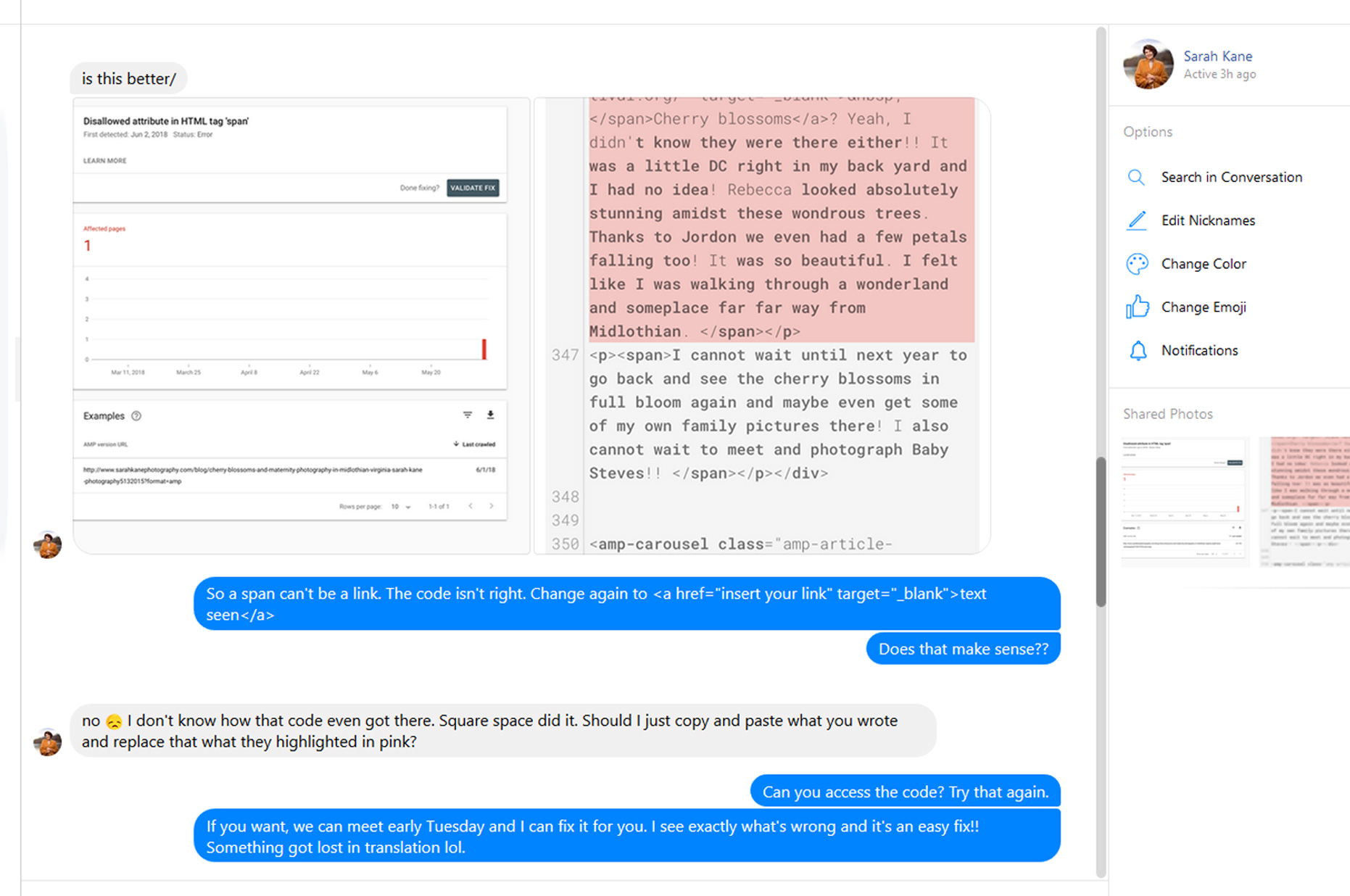
(Skipping part of the conversation where we talked pleasantries and I made several typos. I said I was “suing an app” when I meant “using it”. Oops!)
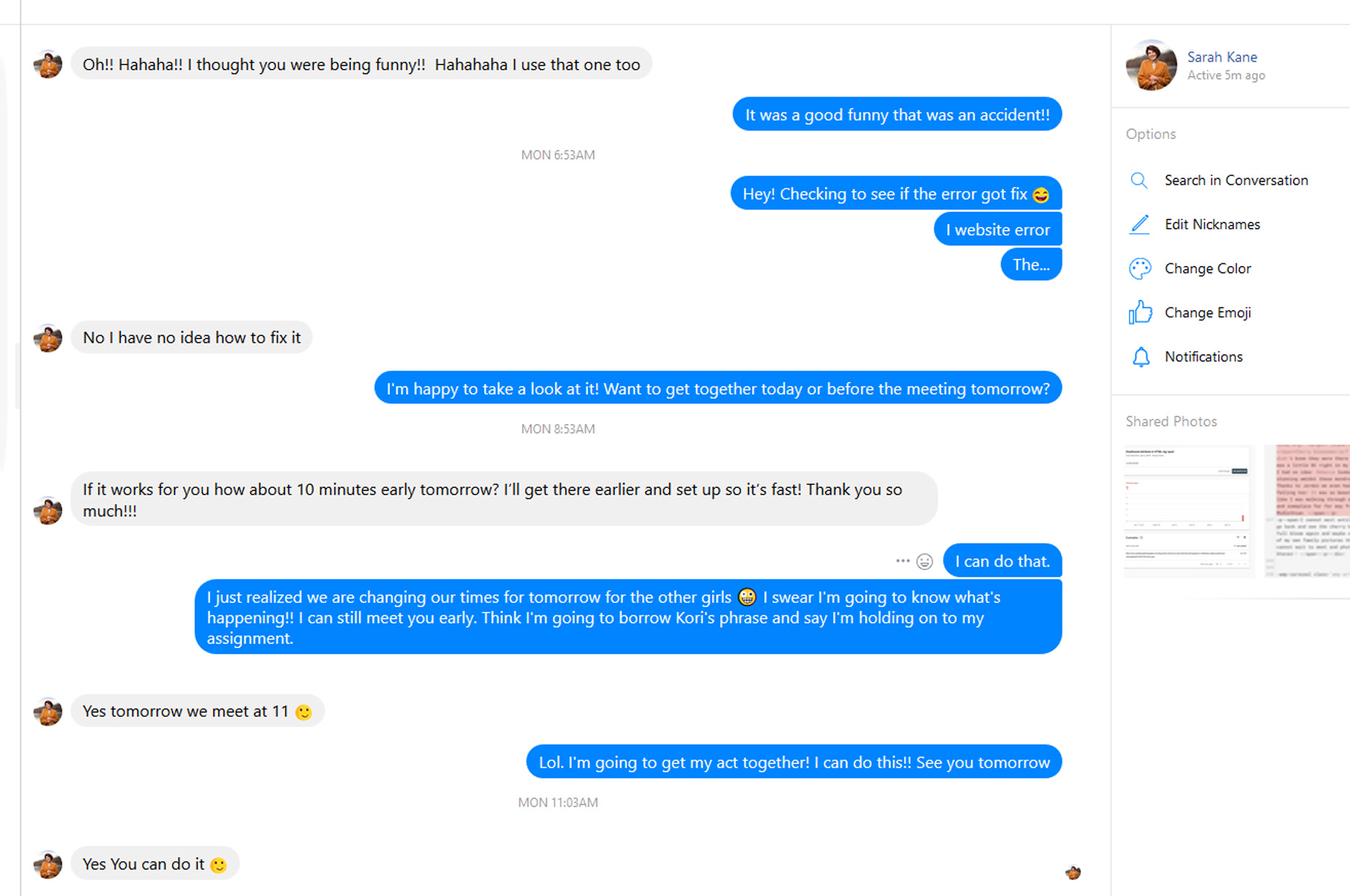
Because we already had a meeting scheduled, I offered to meet a few minutes earlier to help her fix the issue. After a few minutes of catching up, we got down to business and solved the problem in two minutes. She got a lesson and a fixed glitch! I got a blog post. WIN!! Spans are to give color, and font instructions (in simple terms). A span tells text to be italic, larger, underlined, or a different color or all of the above! A span cannot have a URL in it. That’s what links are for. Some how her link tried having a span within it (which can happen - color, etc. but it cannot be www.petreydish.com.) Get it? No? Call me!
Correct: <a href=”https://www.petreydish.com” target=”_blank”>text seen</a>
Not Correct: <a href=”#”><span href=”https://www.petreydish.com” target=”_blank”></span>text seen</a>
Correct: <a href=”https://www.petreydish.com” target=”_blank”><span style=”font-size: 24px; font-weight:bold; color: #000;” >text seen</span></a>
So, if you ever find yourself with an error in your website and aren’t sure how to fix it, you can belt it like Blondie and “call me”. Thanks again, Sarah for letting me use this as an example.



CMS Content Management Systems DIY website Google Google Analytics professional websites